
A New Look
User Interface
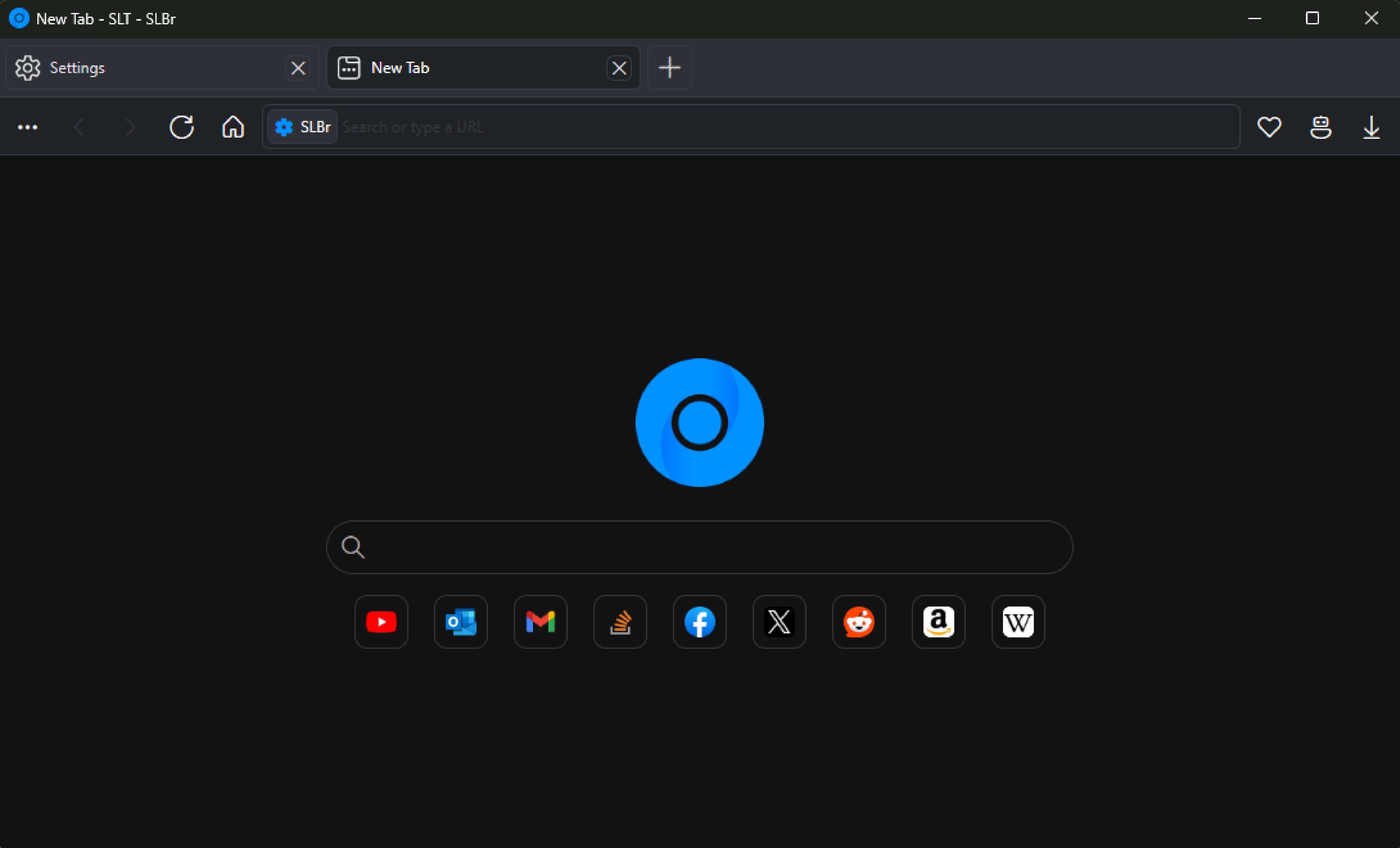
SLBr features a modern, re-designed interface inspired by Windows 11.

Clean lines and a refreshed layout make navigation simple and uncluttered.
Optimized Performance
Performance
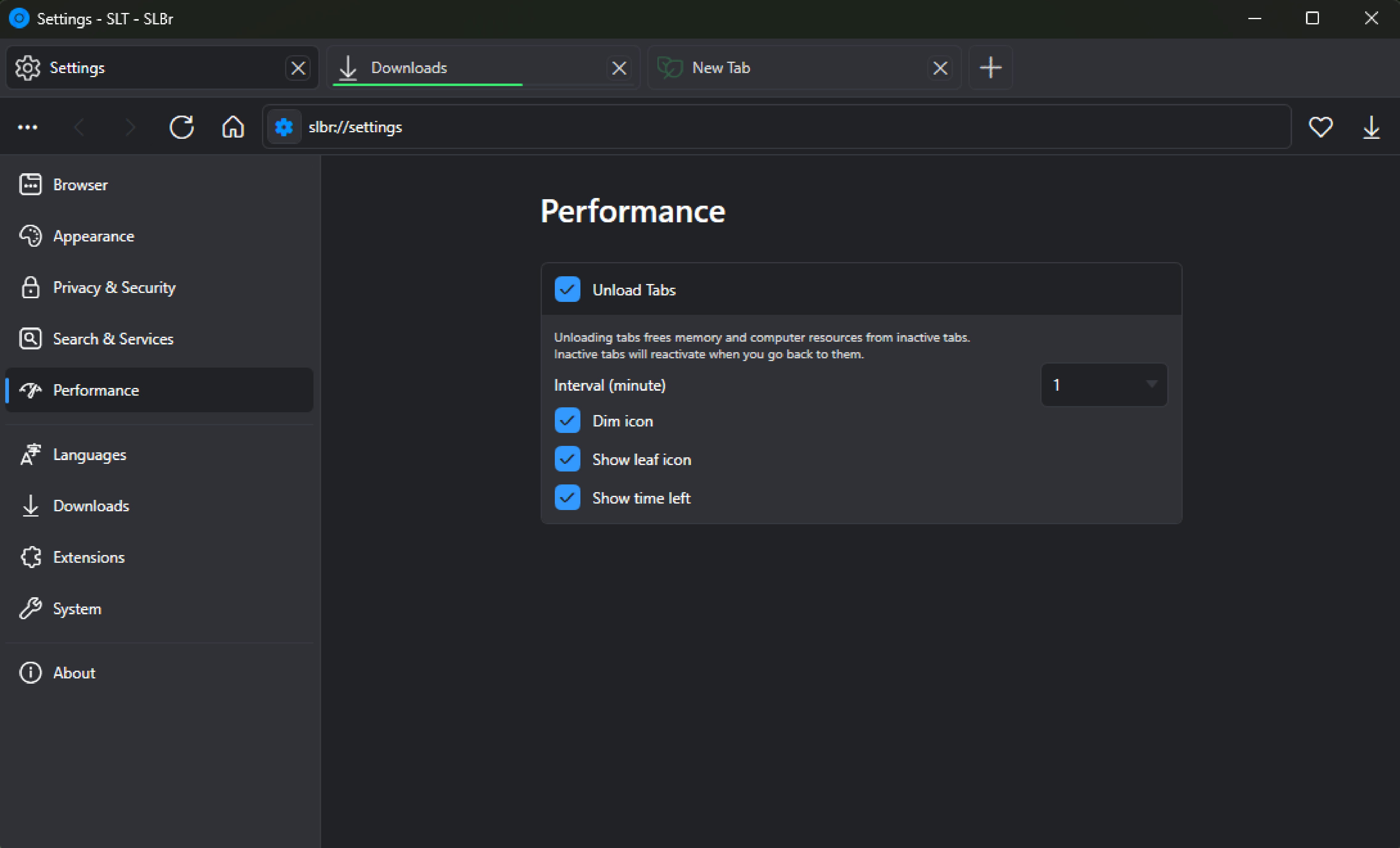
Lite Performance Mode reduces resource load on low-end devices for more data-efficient browsing.

Smart Tab Unloading frees memory from inactive tabs while keeping tabs with active music or video running.
Ad-Free Viewing
Privacy
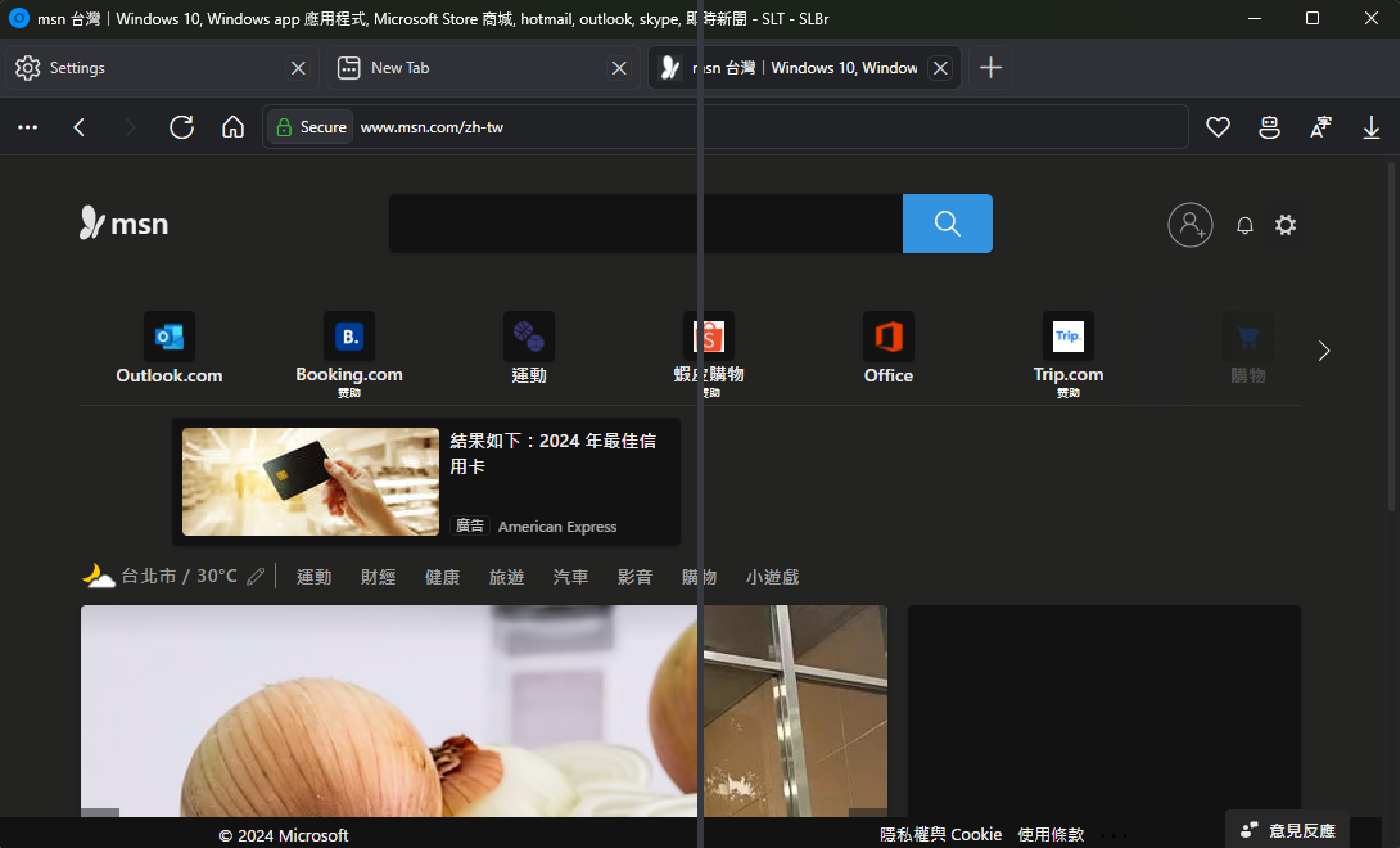
Built-in ad and tracker blocking cuts down on clutter, speeds up page loads, and protects your privacy.

YouTube ads are automatically skipped for smoother playback.
Distraction-Free Reading
Accessibility
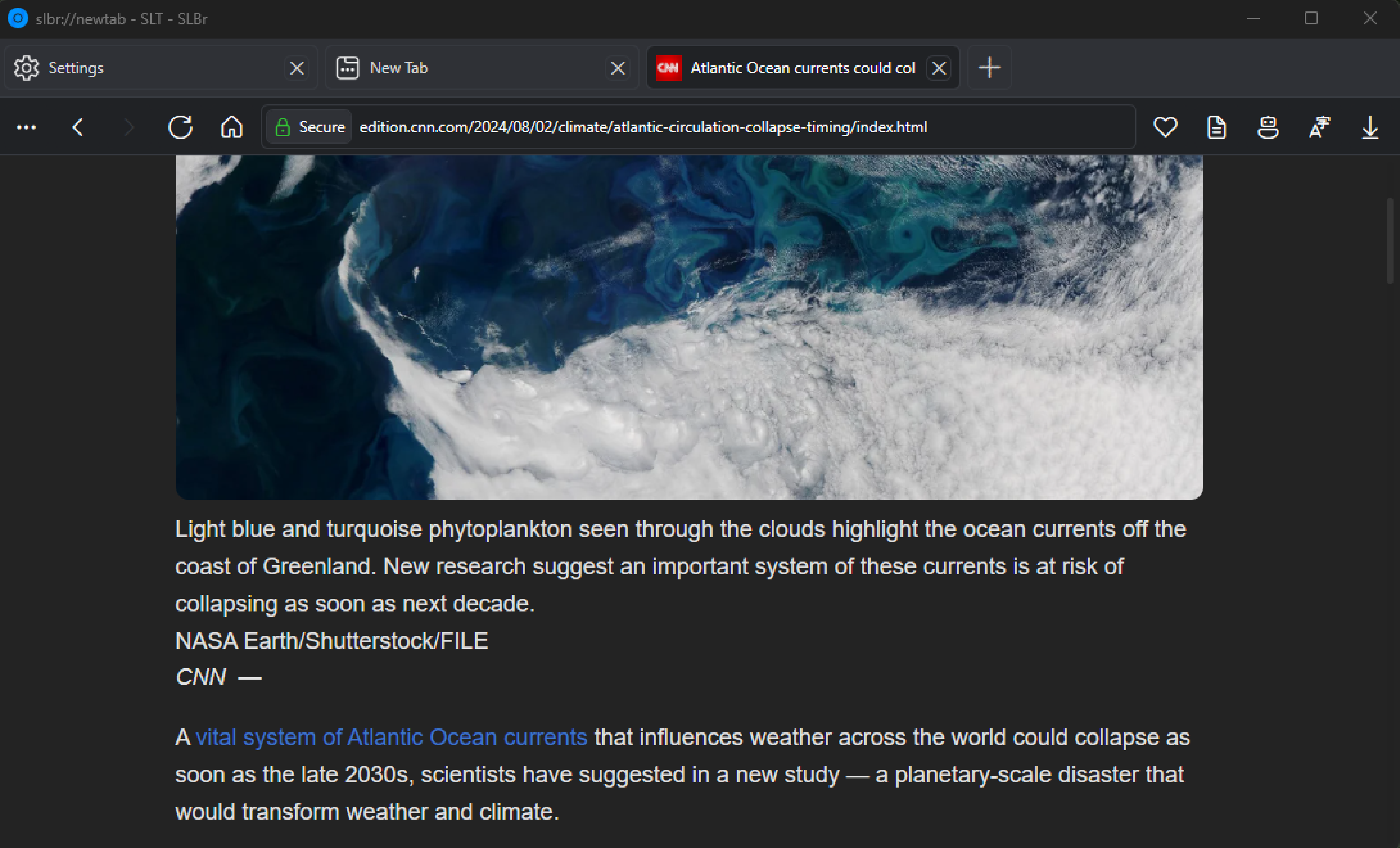
Reader Mode strips away page clutter for a clear, distraction-free reading experience.

Ideal for articles, blogs, and long-form content.
And more...
Others
Ad Blocker
Block unwanted ads and trackers with customizable filter lists.
Tab Unloading
Free memory by suspending inactive tabs.
Web Risk Service
Block dangerous & deceptive sites with Google, Yandex & PhishTank.
Private Tabs
Browse without saving history or cookies.
Themes
Choose from light, dark, and others to personalize the browser.
Extension Support
Install Chrome extensions for added functionality.
Browser Engines
Switch between CEF, WebView2 & Trident.
Profiles
Switch between multiple profiles & keep your workspace separated.
Tab Alignment
View tabs vertically or horizontally.
Translate
Translate pages with Google, Microsoft, Yandex & Lingvanex.
Download Protection
Block dangerous downloads with Google Safe Browsing.
Tab Groups
Organize tabs with color-coding and naming.
Sync
Synchronize data across multiple devices.
Auto Updater
Always stay on the latest version with automatic updates.
Proprietary Codecs
Play H.264, AAC, and other proprietary formats with Edge web view.
Smart Address Bar
Translate, calculate, and get search suggestions.
Anti-Tamper Mode
Prevent sites from disabling copy, paste, right-click, or DevTools.
Image Upload Popup
Quick access to images in clipboard & downloads.
Favorites
Save and access your favorite sites.
AI Chat & Compose
Built-in AI for chatting and writing help.
Never Slow Mode
Limit heavy scripts and images for smoother browsing.
Network Limiter
Control and limit bandwidth usage.
News Feed
Stay updated with a built-in news feed.
Reader Mode
Read articles without clutter & distractions.
QR Code Generator
Share links easily with QR codes.
Gopher & Gemini Support
Access alternative web protocols.
Web3 Support
Access decentralized and blockchain-based sites.
Web Apps
Install and run websites like native apps.
Local CDN
Use local copies of common CDN files for faster loading & offline support.
Reverse Image Search
Find similar images with Google, Bing, Yandex & more.
AMP Redirect
Open faster AMP versions of pages when available.
Spell Checker
Correct misspellings with OS, Google, Microsoft, Yandex & LanguageTool.
Password Manager
Securely store and autofill logins.
Fingerprint Blocking
Randomize system details to protect your identity.
Import Data
Bring over bookmarks and settings from other browsers.
Browser Engines
Differences
| Feature | CEF (Default) | WebView2 | Trident |
|---|---|---|---|
Stability |
|
|
|
Proprietary Codecs |
|
|
|
Image Upload Popup |
|
|
|
Extensions |
|
|
|
Fullscreen |
|
|
|
Developer Tools |
|
|
|
Web Risk Service |
|
|
|
Ad Blocker |
|
|
|
Print Preview |
|
|
|
Spell Check |
|
|
|
Profiles |
|
|
|
Private Mode |
|
|
|
Screenshot |
|
|
|
Picture-in-Picture |
|
|
|
Audio Detection |
|
|
|
Font Customization |
|
|
|